
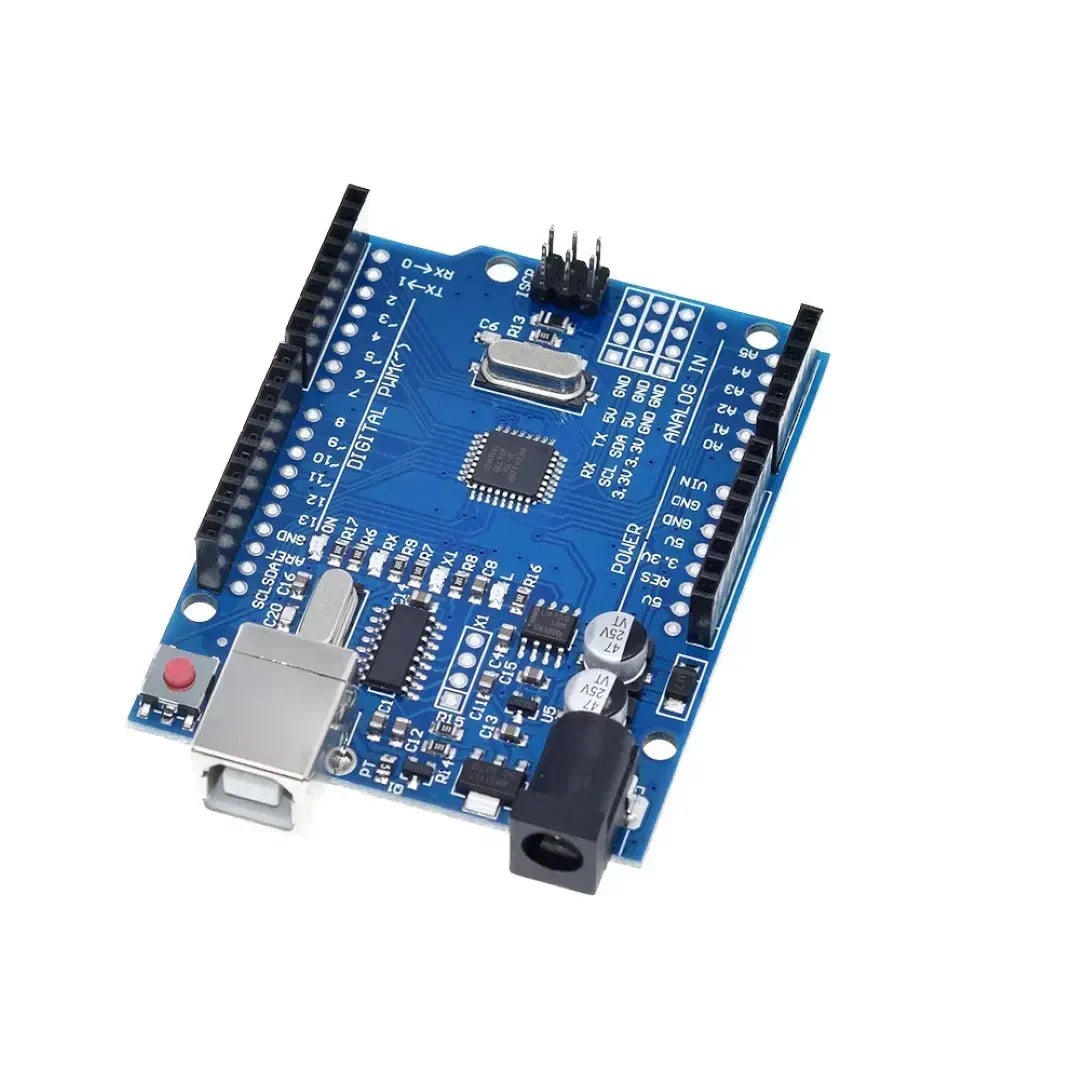
Usos de programação Arduino Estruturas de controle como Se, para, enquanto e mudam de caso controlar a tomada de decisão e os loops em um esboço. Essas estruturas permitem o Arduino Para responder às condições, repetir tarefas e executar diferentes blocos de código com base na entrada.
1. Se a instrução (execução condicional)
O If Declaração é usado para executar um bloco de código Somente se uma condição especificada for atendida.
Sintaxe
if (condition) {
   // Code to execute if condition is true
}
Exemplo: ativar um LED com base em um botão pressionar
const int buttonPin = 2;  // Button connected to pin 2
const int ledPin = 13;    // LED connected to pin 13

void setup() {
    pinMode(buttonPin, INPUT);
    pinMode(ledPin, OUTPUT);
}

void loop() {
    int buttonState = digitalRead(buttonPin);  // Read button state

    if (buttonState == HIGH) {
        digitalWrite(ledPin, HIGH); // Turn LED on if button is pressed
    } else {
        digitalWrite(ledPin, LOW);  // Turn LED off otherwise
    }
}
Declaração if-else
if (temperature > 30) {
    Serial.println("It's too hot!");
} else {
    Serial.println("Temperature is normal.");
}
If-else if declaração
if (temperature > 30) {
    Serial.println("It's too hot!");
} else if (temperature < 10) {
    Serial.println("It's too cold!");
} else {
    Serial.println("Temperature is comfortable.");
}
2. Para loop (repetindo tarefas um número fixo de vezes)
UM para loop Executa um bloco de código Um número fixo de vezes. É comumente usado para iterando sobre matrizes ou controlando tarefas repetitivas.
Sintaxe
for (initialization; condition; increment) {
   // Code to execute in each iteration
}
Exemplo: piscar um LED 5 vezes
const int ledPin = 13;

void setup() {
    pinMode(ledPin, OUTPUT);
}

void loop() {
    for (int i = 0; i < 5; i++) { // Loop runs 5 times
        digitalWrite(ledPin, HIGH);  // Turn LED on
        delay(500);  // Wait 500 ms
        digitalWrite(ledPin, LOW);   // Turn LED off
        delay(500);
    }
    delay(2000); // Pause before repeating
}
Exemplo: correndo através de uma matriz
int numbers[] = {1, 2, 3, 4, 5};

void setup() {
    Serial.begin(9600);
}

void loop() {
    for (int i = 0; i < 5; i++) {
        Serial.println(numbers[i]);  // Print each number in the array
    }
    delay(2000);
}
3. Enquanto o loop (repetindo até que uma condição seja atendida)
UM enquanto loop Executa um bloco de código Enquanto uma condição especificada permanecer verdadeira.
Sintaxe
while (condition) {
   // Code to execute while the condition is true
}
Exemplo: esperando por um botão pressionar
const int buttonPin = 2;

void setup() {
    pinMode(buttonPin, INPUT);
    Serial.begin(9600);
}

void loop() {
    Serial.println("Waiting for button press...");

    while (digitalRead(buttonPin) == LOW) {
        // Stay in loop until button is pressed
    }

    Serial.println("Button pressed!");
}
Exemplo: Timer de contagem regressiva
int count = 10;

void setup() {
    Serial.begin(9600);
}

void loop() {
    while (count > 0) {
        Serial.print("Countdown: ");
        Serial.println(count);
        count--;
        delay(1000);
    }
    Serial.println("Liftoff!");
    delay(5000); // Restart countdown after delay
    count = 10;  // Reset count
}
4.
UM Declaração do caso do interruptor é usado quando Várias condições precisam ser verificadas, tornando -o uma alternativa a if-else if-else correntes.
Sintaxe
switch (variable) {
    case value1:
        // Code to execute if variable == value1
        break;
    case value2:
        // Code to execute if variable == value2
        break;
    default:
        // Code to execute if none of the cases match
}
Exemplo: controlar um LED com um interruptor rotativo
const int ledPin = 13;
int mode = 1;  // Example mode variable

void setup() {
    pinMode(ledPin, OUTPUT);
    Serial.begin(9600);
}

void loop() {
    switch (mode) {
        case 1:
            Serial.println("Mode 1: LED ON");
            digitalWrite(ledPin, HIGH);
            break;
        case 2:
            Serial.println("Mode 2: LED BLINKING");
            digitalWrite(ledPin, HIGH);
            delay(500);
            digitalWrite(ledPin, LOW);
            delay(500);
            break;
        case 3:
            Serial.println("Mode 3: LED OFF");
            digitalWrite(ledPin, LOW);
            break;
        default:
            Serial.println("Invalid Mode");
            break;
    }
}
Exemplo: Usando um botão para percorrer os modos
const int buttonPin = 2;
int mode = 1;

void setup() {
    pinMode(buttonPin, INPUT);
    Serial.begin(9600);
}

void loop() {
    if (digitalRead(buttonPin) == HIGH) {
        mode++;
        if (mode > 3) mode = 1;  // Reset mode to 1 if it exceeds 3
        delay(500);  // Debounce delay
    }

    switch (mode) {
        case 1:
            Serial.println("Mode 1: Low Power Mode");
            break;
        case 2:
            Serial.println("Mode 2: Normal Mode");
            break;
        case 3:
            Serial.println("Mode 3: High Performance Mode");
            break;
        default:
            Serial.println("Invalid Mode");
            break;
    }
}
Conclusão
- Declarações se Permitir execução condicional com base nas leituras do sensor ou pressionamentos de botão.
- para loops são úteis para tarefas repetitivas com uma contagem conhecida, como piscar um LED.
- enquanto loops Execute o código continuamente até que uma condição específica seja atendida.
- declarações de casos de comutação Simplifique a tomada de decisão ao lidar com várias condições com eficiência.
Essas estruturas Aprimore a programação do Arduino Ao facilitar o gerenciamento de loops, condições e controle do dispositivo. 🚀


















1 comentário
If Arduino programming leverages fundamental control structures—**`if`, *`for`, *`while`, and *`switch`/`case`—not as abstract syntax, but as real-time mechanisms to interpret sensor data, drive actuators, and respond dynamically to the physical world, then how might this reflect the essence of embedded computing? Unlike desktop programs that process static data, an Arduino sketch lives in constant dialogue with its environment: a `while` loop may wait for a button press, an `if` statement might trigger an LED at a temperature threshold, and a `for` loop could choreograph a servo sweep. These structures become the *nervous system** of a physical device—translating logic into action, turning code into behavior, and revealing that even the simplest control flow can animate matter when coupled with hardware. In this context, programming isn’t just about algorithms; it’s about embodied decision-making, where every conditional and loop shapes how a machine perceives and acts upon reality.
dte